Chapter 02 · Part 1
Log In to iSMS
Logging in takes two quick steps: sign in with your username and password, then confirm the 6-digit security code sent to your email. Two-step verification keeps your account secure.
How to log in
You’ll need your iSMS username and password, plus access to your registered email for the verification code. Don’t have an account yet? Start with New User Registration.
Two steps to sign in
Username & password
Sign in as usual
Code emailed
A 6-digit code is sent
Enter the code
Type it on the next screen
You’re in
Land on your dashboard
The emailed code is a second layer of security — even if someone has your password, they can’t sign in without your inbox.
-
1
Open the iSMS portal
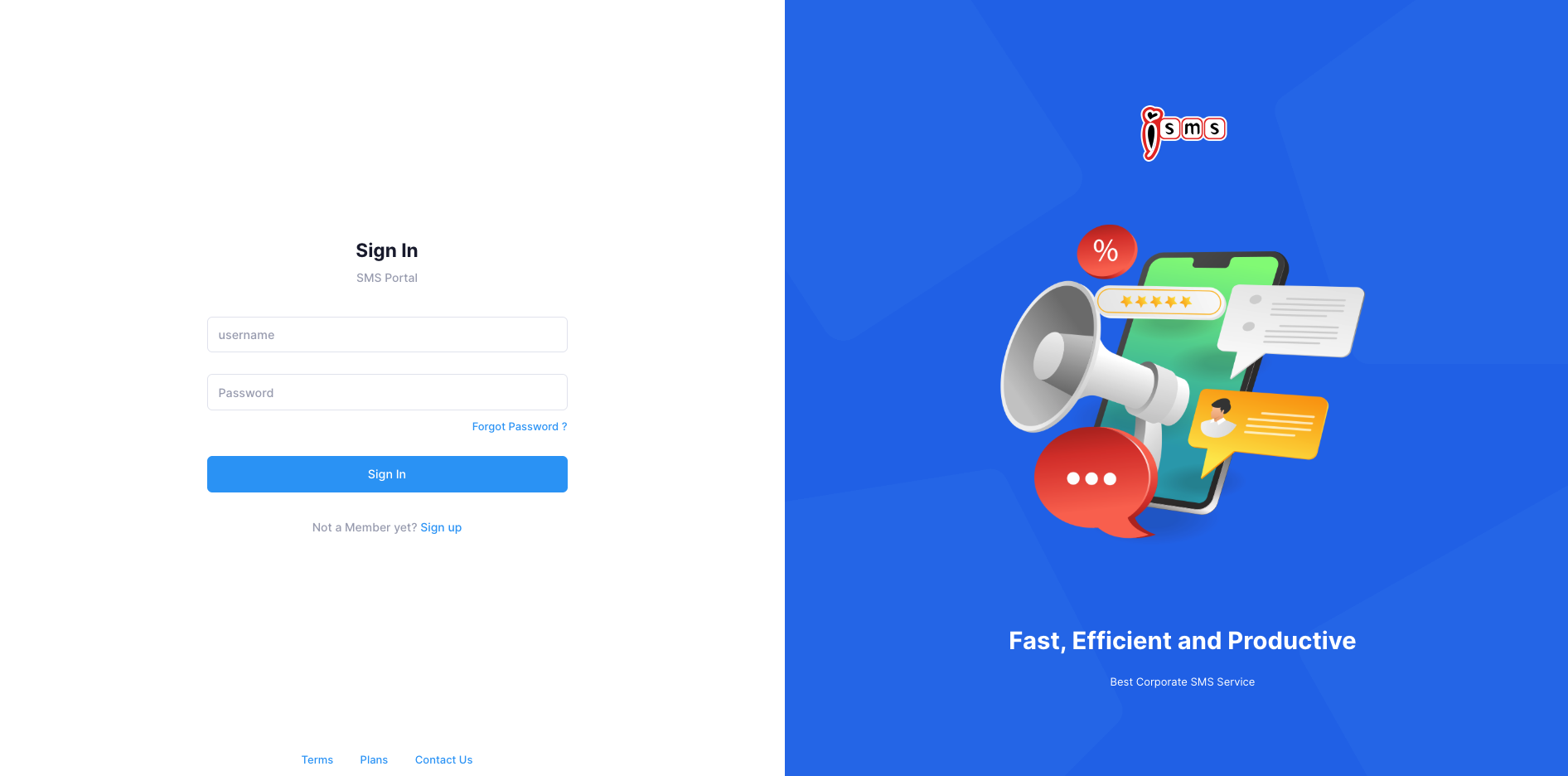
Open the iSMS website in your web browser. The Sign In panel appears on the left.
-
2
Sign in
Enter your Username and Password, then click Sign In. Not a member yet? Use the Sign up link to create an account first.
-
3
Enter your two-step verification code
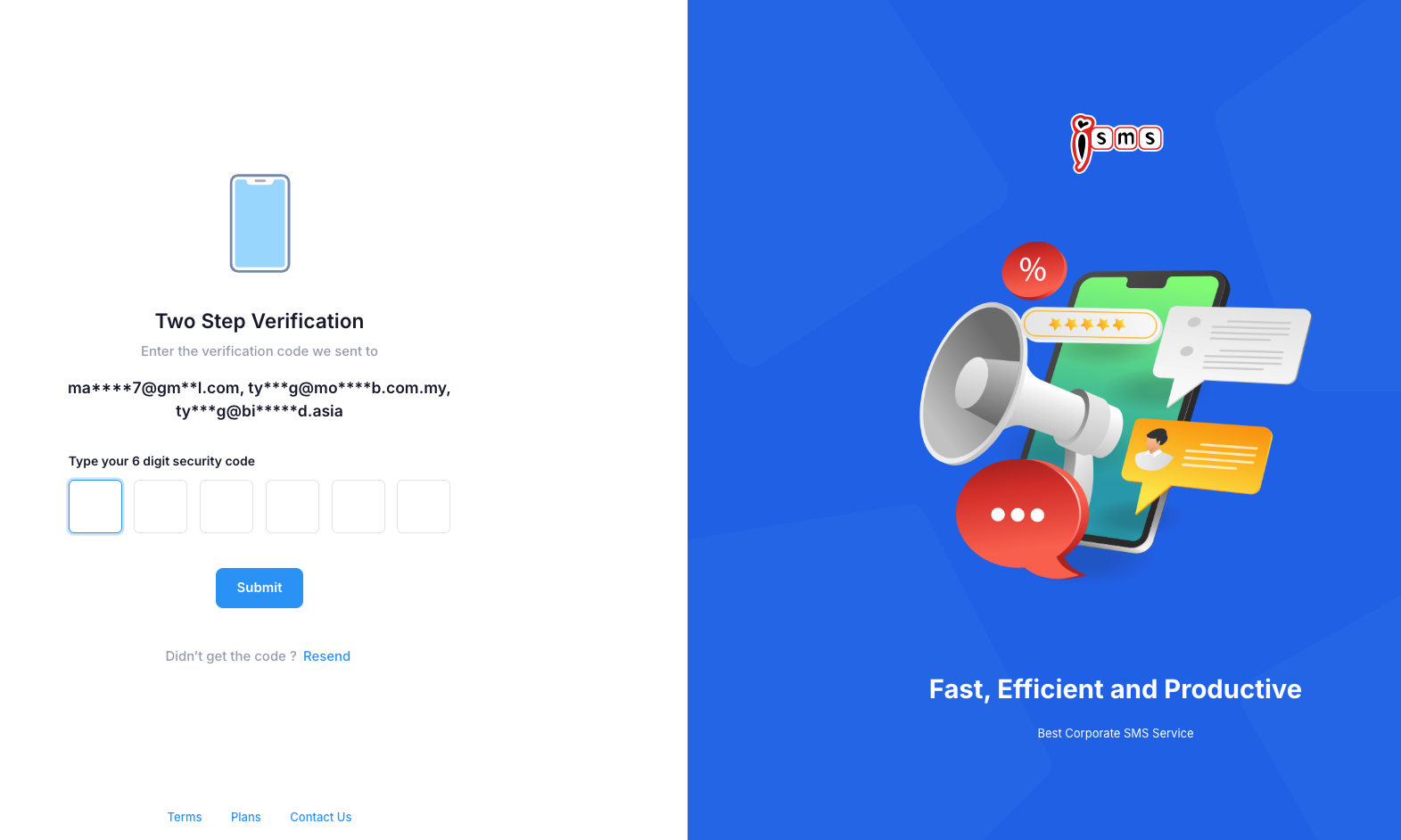
For security, iSMS emails a 6-digit security code to your registered email address. Open your email, type the 6 digits into the boxes on the Two Step Verification screen, then click Submit.
-
4
You’re in
After verification you’re taken to the iSMS Main Member Page, where you can compose SMS, view reports, and manage your account.